
Multimodal
4 Inputs → 1 Cinematic Scene
Faster, cheaper, and more controllable than Sora 2. Describe a scene, drop in references, and get a cinematic clip with synced audio — no editing skills needed.
Every clip below is generated end-to-end by Gemini Omni — no post-production, no upscaling. Hover or tap to play.
Every clip above was generated by Gemini Omni in under a minute. Try it yourself — 10 free credits, no credit card.
Copy-ready recipes tuned for specific Gemini Omni capabilities.
Five things only Gemini Omni can do in a single generation.
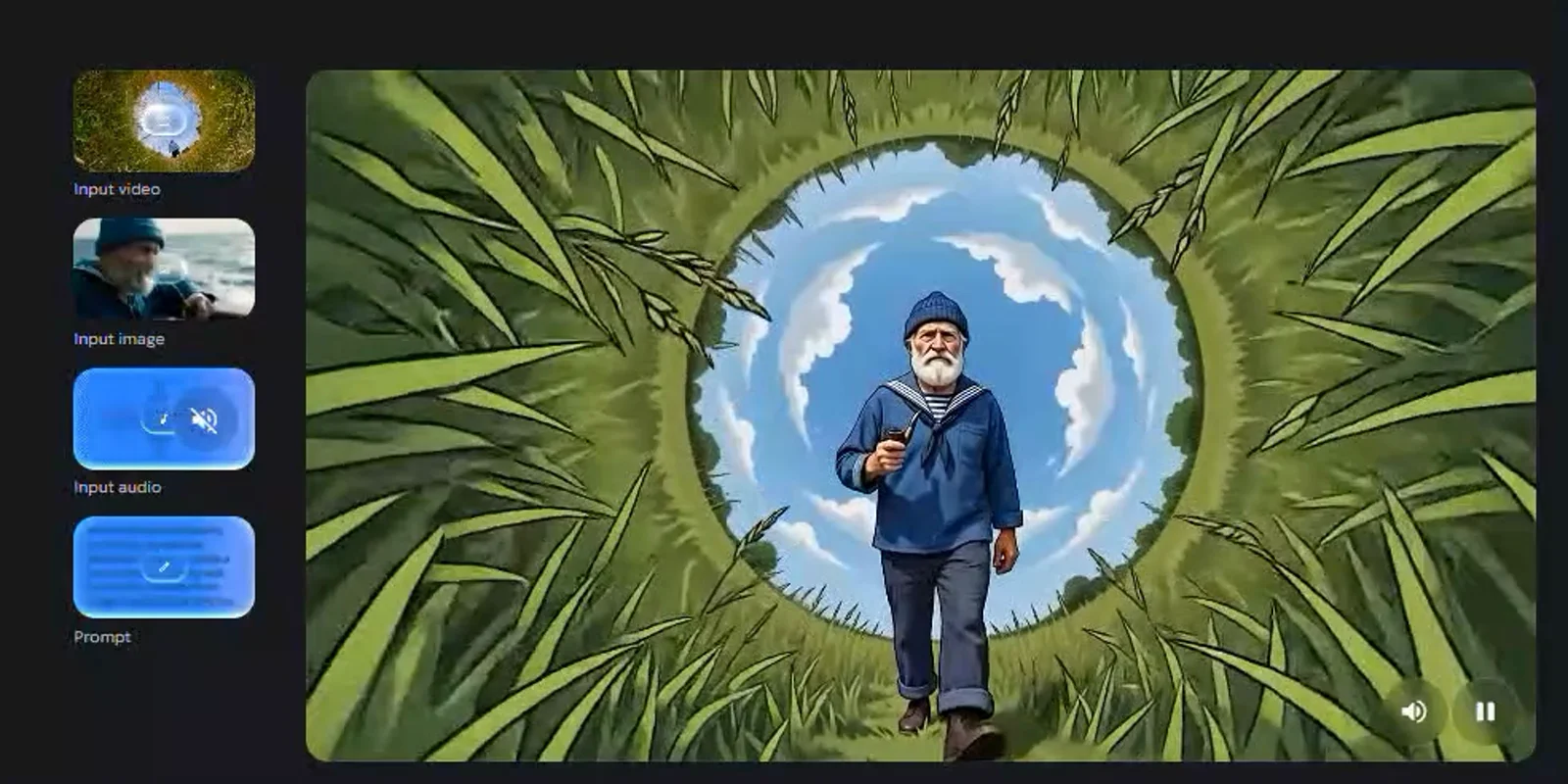
Text, images, video clips, and voice in one brief. No tool-chaining.
Dialogue, ambience, music — generated synchronously with the visuals.
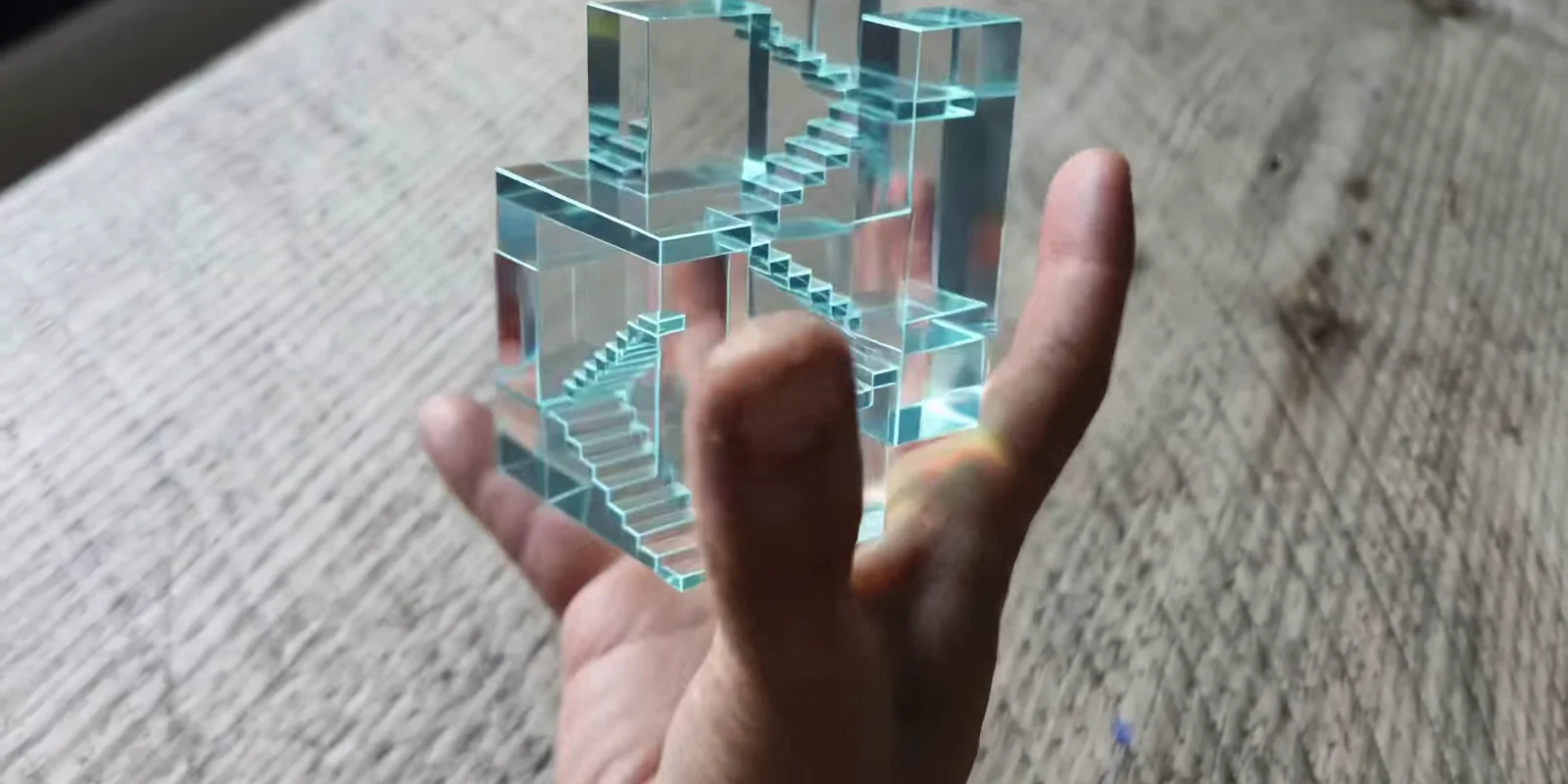
Refine scenes through natural language — change environment, swap objects, adjust action without re-prompting.
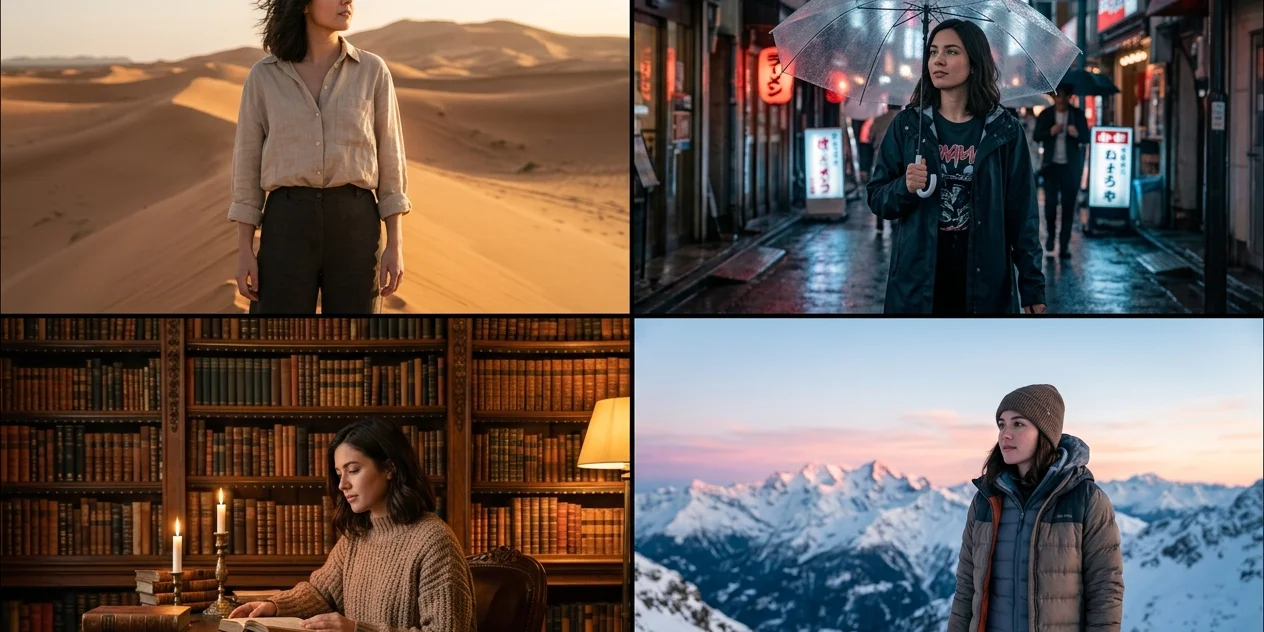
Upload one portrait — face, clothing, style lock for the entire clip.
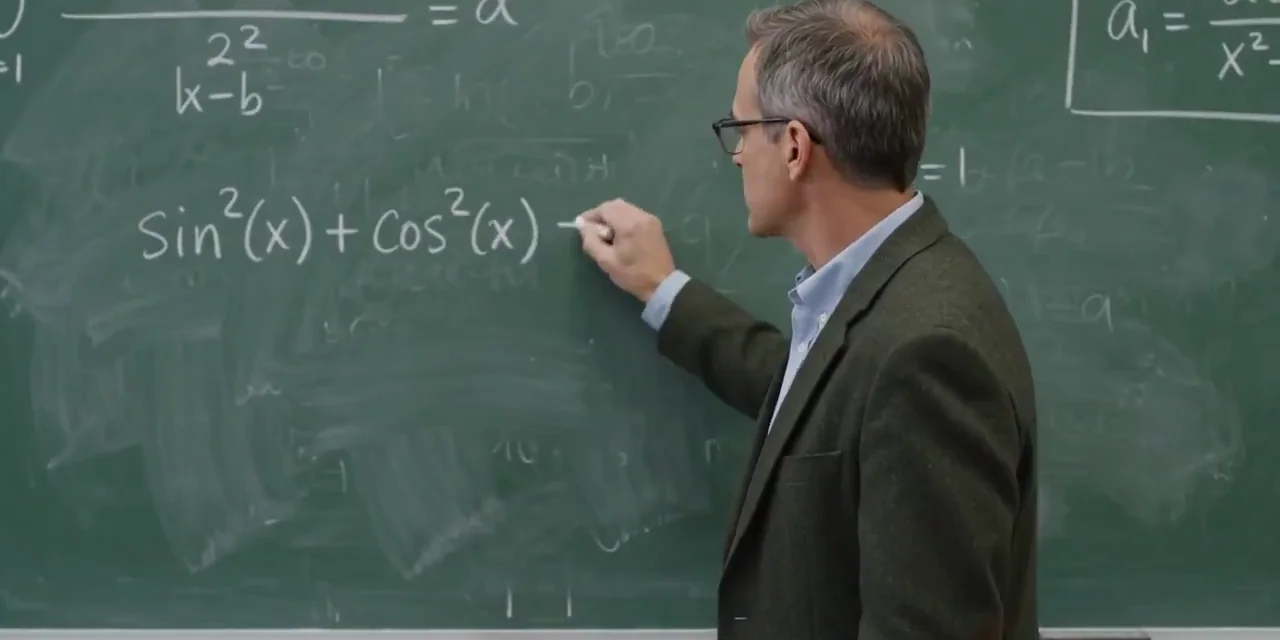
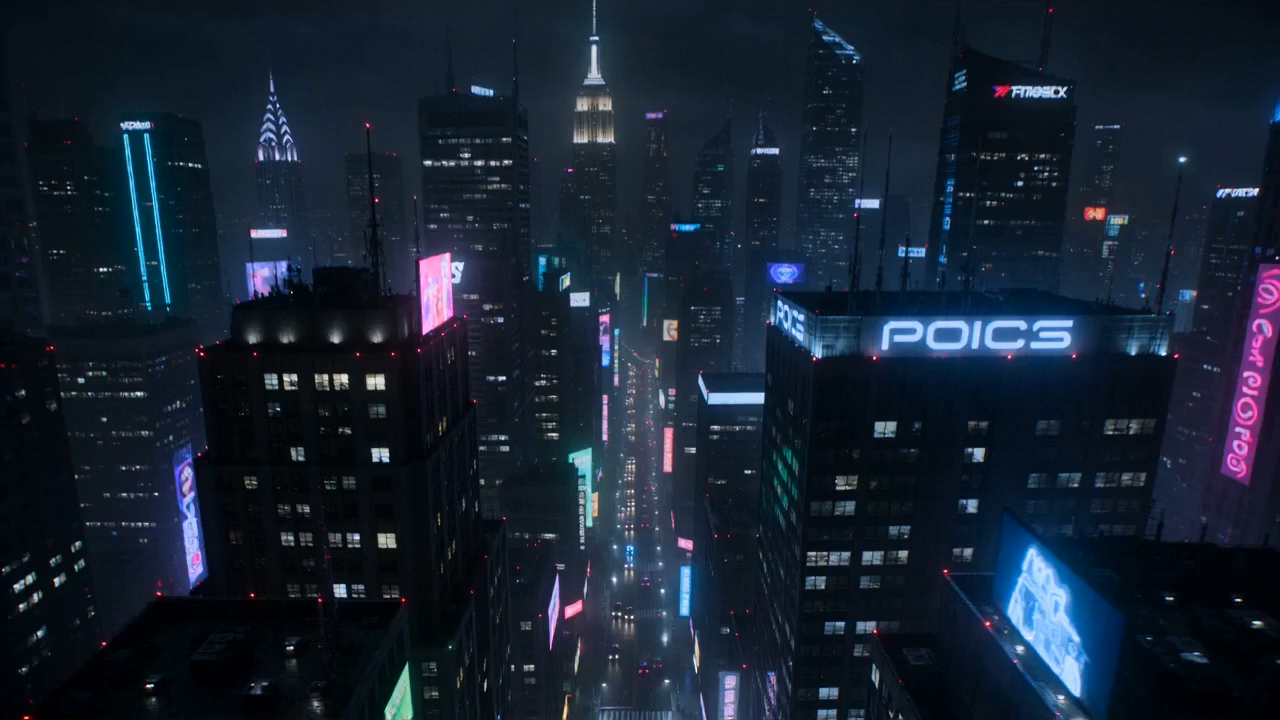
Gemini's reasoning grounds video in physics, history, biology, culture — outputs hold up to scrutiny.
Three steps from creative brief to cinematic clip
No editing skills required. Describe what you want to see and hear — Gemini Omni handles motion, audio, and continuity automatically.
Write one connected creative brief. Include scene descriptions, camera movement, lighting cues, dialogue, and sound texture. The more specific your direction, the closer the output to your vision.
Drop in up to 15 references — character photos for face lock, video clips for camera language, audio for rhythm and tone. Gemini Omni reads them all in one pass.
Gemini Omni Flash delivers a cinematic clip with synchronized audio in seconds. Real-world scene logic, character consistency, and conversational editing — handled automatically.
Native 4K. 15 references per prompt. In-chat editing. See how Gemini Omni stacks up.
| Capability | Gemini Omni | Kling 3.0 | Runway Gen-4 | Pika |
|---|---|---|---|---|
| Max resolution | Up to 4K | 1080p | 4K | 720p |
| Max duration | 10s | 10s | 16s | 5s |
| In-chat conversational editing | — | — | — | |
| Max references per prompt | 15 | 4 | 3 | 1 |
See why content creators, marketers, and filmmakers choose Gemini Omni as their AI video generator.
The Gemini Omni video generator has completely changed my workflow. Native audio sync means I no longer spend hours adding sound effects and music. What used to take a full day now takes five minutes.
I was looking for a free AI video generator that could handle product demos. Gemini Omni exceeded my expectations — the image to video feature creates professional product videos with smooth camera movements and realistic lighting.
The character consistency feature in Gemini Omni is incredible. I upload one reference photo and the model keeps the same face and style across the entire video. My clients are absolutely amazed by the results.
Multi-shot storytelling is a game-changer. I can write one prompt with lens switch cues and get a complete sequence with natural shot transitions. Gemini Omni understands cinematic language better than any AI generator I have tried.
The Gemini Omni video generator has completely changed my workflow. Native audio sync means I no longer spend hours adding sound effects and music. What used to take a full day now takes five minutes.
I was looking for a free AI video generator that could handle product demos. Gemini Omni exceeded my expectations — the image to video feature creates professional product videos with smooth camera movements and realistic lighting.
The character consistency feature in Gemini Omni is incredible. I upload one reference photo and the model keeps the same face and style across the entire video. My clients are absolutely amazed by the results.
Multi-shot storytelling is a game-changer. I can write one prompt with lens switch cues and get a complete sequence with natural shot transitions. Gemini Omni understands cinematic language better than any AI generator I have tried.
As a YouTube creator, Gemini Omni has revolutionized my content production. The 4K resolution output and native audio mean I can use the generated clips directly in my videos without any post-processing.
Our team creates dozens of video ads every week using Gemini Omni. The multimodal input feature lets us upload brand assets, and the AI generates on-brand content with consistent characters and synchronized voiceover.
Gemini Omni transformed our product marketing. Creating professional product hero videos from simple product photos has boosted our conversion rates. The image to video quality is outstanding compared to other generators.
The creative control here is unmatched. With 15 reference inputs, our agency defines characters, camera paths, and visual style precisely. We deliver video concepts to clients in minutes instead of weeks.
As a YouTube creator, Gemini Omni has revolutionized my content production. The 4K resolution output and native audio mean I can use the generated clips directly in my videos without any post-processing.
Our team creates dozens of video ads every week using Gemini Omni. The multimodal input feature lets us upload brand assets, and the AI generates on-brand content with consistent characters and synchronized voiceover.
Gemini Omni transformed our product marketing. Creating professional product hero videos from simple product photos has boosted our conversion rates. The image to video quality is outstanding compared to other generators.
The creative control here is unmatched. With 15 reference inputs, our agency defines characters, camera paths, and visual style precisely. We deliver video concepts to clients in minutes instead of weeks.
As a bootstrapped startup, Gemini Omni gave us access to cinematic video production without hiring a video team. The free tier lets us experiment, and the Pro plan handles all our marketing video needs.
I use Gemini Omni to create engaging educational content for my students. The text to video feature with lip-sync in multiple languages helps me explain complex concepts in visually compelling ways.
The character consistency and multi-shot storytelling are perfect for brand campaigns. Every Gemini Omni video maintains our visual identity, and the native audio creates an immersive experience for our audience.
Gemini Omni has become essential in my design workflow. I quickly prototype video concepts for clients using text prompts and reference images. The 30-second generation time means I can iterate rapidly during client calls.
As a bootstrapped startup, Gemini Omni gave us access to cinematic video production without hiring a video team. The free tier lets us experiment, and the Pro plan handles all our marketing video needs.
I use Gemini Omni to create engaging educational content for my students. The text to video feature with lip-sync in multiple languages helps me explain complex concepts in visually compelling ways.
The character consistency and multi-shot storytelling are perfect for brand campaigns. Every Gemini Omni video maintains our visual identity, and the native audio creates an immersive experience for our audience.
Gemini Omni has become essential in my design workflow. I quickly prototype video concepts for clients using text prompts and reference images. The 30-second generation time means I can iterate rapidly during client calls.
Everything you need to know about Gemini Omni AI video generator.
Gemini Omni is Google's any-to-any multimodal AI video generator. It accepts text, images, video clips, and audio as input and creates cinematic videos grounded in real-world knowledge — with native audio sync, multi-shot storytelling, and character consistency. You can access the Gemini Omni AI video generator free online through our platform without installing any software.
It means you can combine any inputs — text prompts, reference images, video clips, and audio tracks — in a single creative brief. Gemini Omni reads them all together: character appearance from images, camera path from video references, beat and rhythm from audio. Up to 15 references per generation, no tool-chaining required.
Yes — natively. Gemini Omni generates dialogue, ambience, music, and sound effects simultaneously with the video in a single pass. Stereo sound is locked to on-screen action, with no post-production audio layering needed. This is what makes Gemini Omni distinct from text-to-video models that bolt audio on afterwards.
Include lens-switch keywords or shot-by-shot directions in your prompt and Gemini Omni handles the camera cuts automatically. The AI maintains continuity of characters, lighting, and visual style across every shot — something most AI video models can't sustain past the first cut.
Upload one or more reference photos to define your characters. Gemini Omni locks facial features, clothing, body proportions, and visual style across the entire video — even through complex camera movements, scene changes, and multi-shot transitions.
Yes, you can try the Gemini Omni AI video generator for free. New users receive 10 free credits on signup, enough to generate several AI videos. For higher volume usage, we offer affordable Lite and Pro subscription plans with more credits, higher resolution output, and additional features like batch generation.
Gemini Omni Flash outputs HD video at 4 / 6 / 8 / 10 second durations per clip. Higher resolutions available via API. Chain multiple clips through in-chat conversational editing for longer narratives.
Gemini Omni Flash typically renders a clip in well under a minute. Exact time depends on output duration (4–10s), resolution, and prompt complexity. You can track progress in real-time during generation.
Yes. Gemini Omni supports in-chat conversational editing — describe changes in natural language and the model applies them. You can swap objects, replace backgrounds, modify scenes, or remove elements without regenerating the entire clip. This is unique to Gemini Omni among major AI video models.
Gemini Omni has three exclusive capabilities not offered by Sora 2 or Veo 3.1: (1) any-to-any multimodal input combining text, image, video, and audio references in one prompt; (2) in-chat conversational editing of generated clips; (3) up to 15 references per generation. Sora 2 has strengths in physical simulation and Veo 3.1 in prompt-following — see the comparison table above for the full breakdown.
Yes, all videos generated through our Pro plan can be used for commercial purposes. You retain full rights to your created content — marketing campaigns, social media advertising, product demos, e-commerce listings, or any other business application. Free tier videos are for personal and non-commercial use.
Yes — our Gemini Omni API is available for Pro and team plans. The API accepts the same multimodal inputs as the web app (text, image, video, audio) and returns the rendered MP4 plus a synchronized audio stream. See the docs for endpoints, rate limits, and pricing.
Join thousands of creators making cinematic AI videos with Gemini Omni. Native audio sync, multi-shot storytelling, and character consistency — free credits on signup.
We use cookies to improve your experience on our website. By browsing this website, you agree to our use of cookies. Learn more